
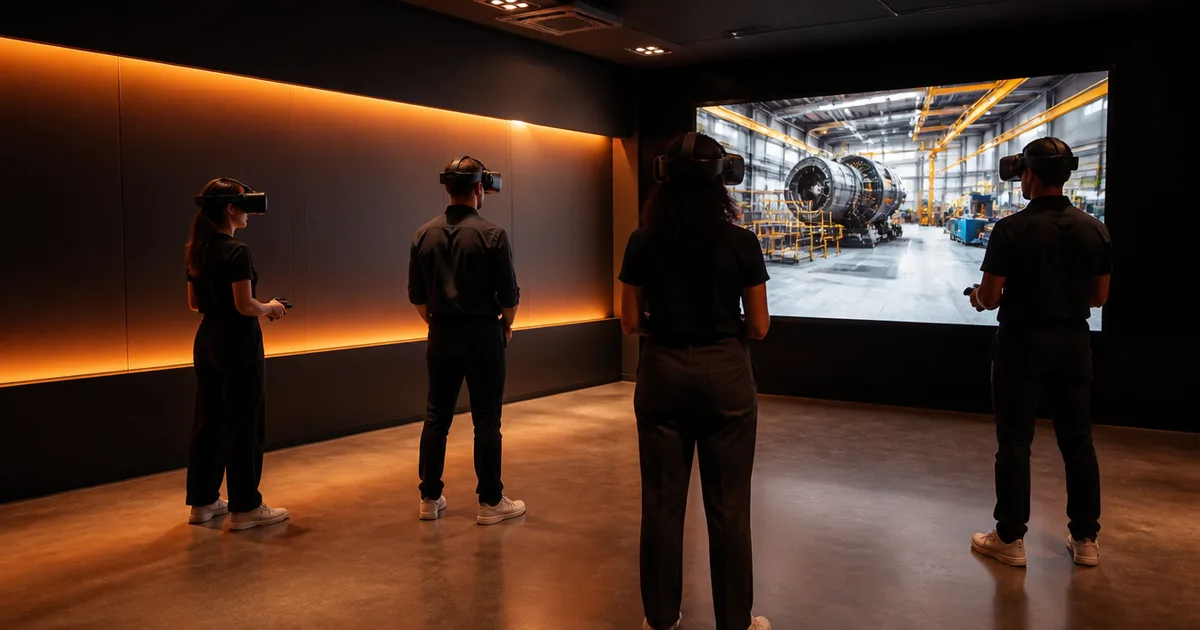
Buying corporate VR training starts with the task your employees need to practise. Before comparing headsets or demos, define the learners, the workplace behaviour, the existing training method and what would justify a change.
This guide helps you compare a custom build with existing training content and prepare a supplier brief. For project delivery, see our enterprise VR training development service. For evaluation, see how to measure VR training ROI.
Is VR Appropriate for This Training Task?
VR can provide repeatable practice in a simulated environment. That may be useful when access to equipment is limited, a difficult interaction needs rehearsal or a spatial task is hard to explain on a flat screen. It is not a substitute for validating learning or workplace performance.
Consider a simpler format when the task mainly requires reading, memorizing information or learning an ordinary software interface. Frequently changing content, accessibility needs and small learner populations can also affect the choice. Compare the full delivery effort of each option rather than assuming an immersive format is better.
Our portfolio includes Empathy Lab for transport staff and NBK Virtugate for employee onboarding. Use case studies to assess relevant delivery experience, then evaluate your own task with a pilot.
Compare Custom Development and Existing Content
| Option | Useful when | Verify before committing |
|---|---|---|
| Existing training library | Available scenarios match the task and language needs | Content quality, assessment, licensing, accessibility and integration |
| Custom development | Your equipment, procedures, environment or interactions need to be represented | Asset scope, subject-matter review, ownership and maintenance |
| Hybrid approach | Some topics fit existing material and others require a bespoke scenario | Reporting consistency, platform compatibility and administration |
A custom build is not automatically more effective. An existing library is not automatically cheaper once subscriptions, integration and deployment are included. Ask suppliers to demonstrate the actual scenario and reporting flow that would be used by your employees.
Build a Comparable Budget
Request itemized proposals against one brief. Separate discovery, scenario design, 3D assets, application development, integration, QA, deployment and ongoing support. Identify the responsibilities that sit with your team.
Our VR development budget guide provides illustrative planning bands. They are not quotes for a training program, and generic percentages are not a reliable way to price maintenance or platform support.
Include hardware, charging and storage, cleaning, facilitator time, learner time, device management, content updates and replacement equipment. Obtain current hardware and subscription quotes for your region and procurement terms. Hardware may be a smaller cost than content in some programs, but it is still a real operational expense.
Choose Hardware Against the Requirements
Define the features needed before choosing a headset: input, tracking, visual detail, accessibility, fit, shared-device operation and any offline requirement. Eye tracking, controller support and browser capabilities differ between devices; verify the specific model and application access required.
Ask for a representative scenario on the proposed hardware. Test comfort, readability, interaction and setup with intended users. Confirm charging, updates, account management and support at the locations where the program will run.
Avoid committing a whole fleet based on a desktop demo. A prototype on the target device should answer the technical questions that could change the procurement decision.
Questions for a VR Training Supplier
What comparable work has the proposed team delivered? Ask about the team's role, the deployed environment and the evidence available. A client reference may be appropriate where public results are unavailable; absence of a published number does not itself prove poor delivery.
How will learning be assessed? Review the scenario objectives and scoring logic with your subject-matter experts. Ask how retries, incomplete sessions and version changes appear in reports.
How will data reach our systems? Have the supplier and LMS administrator agree the interface, fields, authentication and test environment. Request an end-to-end demonstration instead of relying on an unsupported “integrates with every LMS” claim.
What do we own and maintain? Identify source files, editable assets, third-party licenses, hosting accounts and documentation. Agree ownership and permissions in the contract rather than assuming a custom build transfers every dependency.
What happens after launch? Define support coverage, incident handling, content changes, device compatibility testing and recurring charges. Distinguish fixing defects from commissioning new scenarios.
Who manages deployment? Confirm provisioning, updates, access, device recovery and facilitator training. The rollout plan should work at your sites, not only in the supplier's demonstration room.
Use Decision Gates Instead of a Guaranteed Calendar
| Stage | Evidence needed before the next commitment |
|---|---|
| Discovery | Agreed task, audience, constraints and measurement plan |
| Prototype | Representative interaction tested on target hardware |
| Pilot | Scenario, reporting and operating process tested with intended users |
| Review | Learning evidence, reliability findings, costs and unresolved risks |
| Expansion | Approved content scope, deployment capacity and support arrangements |
The schedule depends on asset production, subject-matter review, integrations and device access. Ask each supplier to name those dependencies and the decisions they need from you. A review window should reflect the outcome being measured; a rare safety event and a frequently repeated procedural task require different evidence.
What to Put in Your Training Brief
Include the task, existing course or procedure, learner roles, languages, accessibility needs, cohort size and locations. Supply available assets, examples of equipment or environments, reporting requirements and your preferred timing.
Identify who approves the scenario, who manages devices and who evaluates the pilot. List uncertain requirements explicitly so they can be investigated. A useful first engagement may be discovery or a prototype rather than a commitment to the entire program.
Send us your training brief. We can help define a custom scenario, its integration requirements and the evidence needed to decide whether to expand.